

Add time estimates
Lesson 2 of 5
A time estimate says how long a work item should take. The original estimate is set once, before the work starts; the remaining estimate is what is left. Sumline adds both up. This lesson sets the original estimate.
Add an original estimate
-
Open the work item. Click its key anywhere in Jira, or go to
https://<your-site>.atlassian.net/browse/WEB-17, with your own site and key. -
Click More fields in the Details column to open it. Original estimate and Time tracking are listed there.
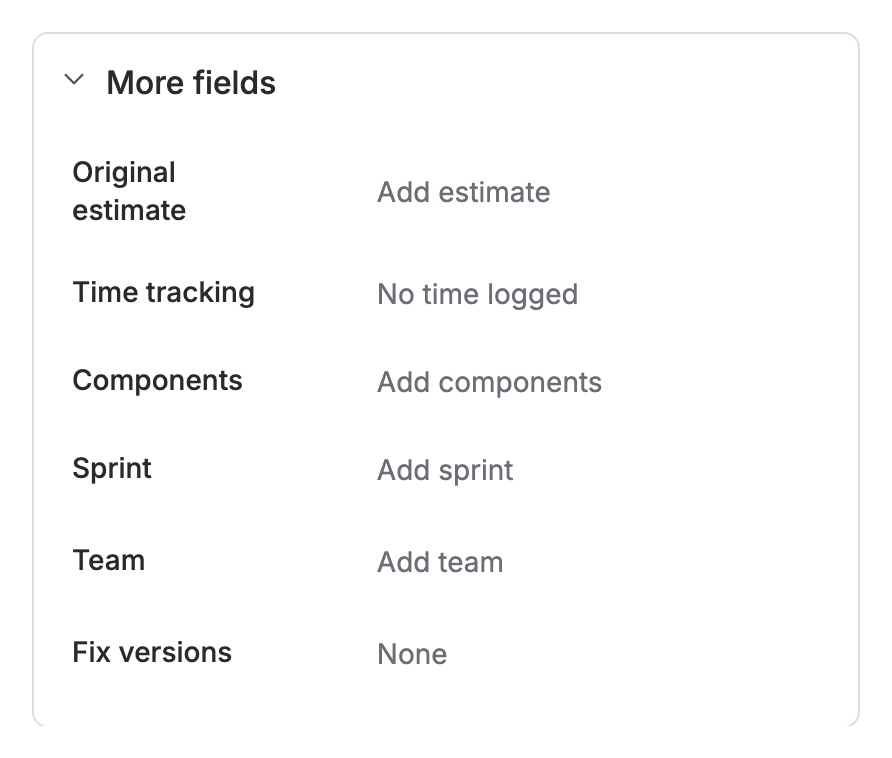
More fields open on WEB-17: Original estimate reads “Add estimate” and Time tracking reads “No time logged” -
Click Add estimate, next to Original estimate.
-
Type the time. Use weeks (
w), days (d), hours (h) and minutes (m):3w,1d 4h,2h 30m. A number with no unit takes the unit your Jira admin set as the default.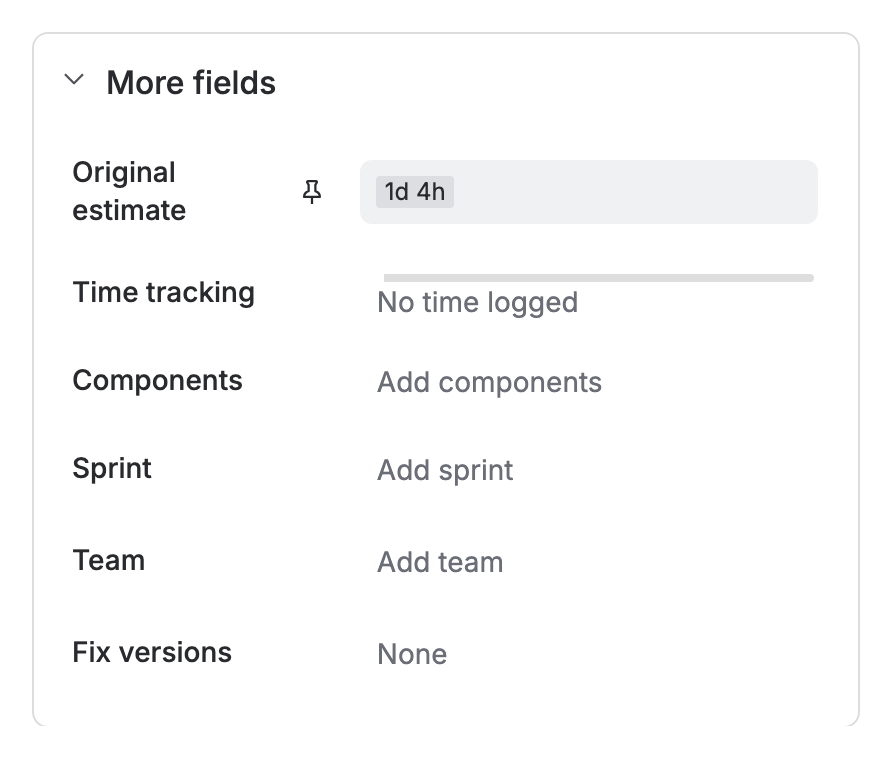
Original estimate open on WEB-17 with 1d 4h typed in -
Press Enter, or click the tick beside the field. Jira also fills in the remaining estimate with the same time. Logging time lowers it: see Log time.


What counts as a day
A day is the working day your Jira admin set, not 24 hours. On a new site it is 8 hours, and a week is 5 days, so 1d 4h is 12 hours. A Jira admin changes both at https://<your-site>.atlassian.net/secure/admin/TimeTrackingAdmin.jspa, under Working hours per day and Working days per week.
If you don’t see it
The Time tracking field is hidden or not on the screen.
- Company-managed space. A Jira admin shows Time tracking in the space’s field configuration and adds it to the screens for creating and editing:
https://<your-site>.atlassian.net/jira/settings/issues/screens. - Team-managed space. A space admin adds Time tracking to the work type under Space settings › Work types.
What you have now
A work item with an original and a remaining estimate. Next, record the time spent: Log time.